

Basic Operations
SMSEagle is capable of working at various screen resolutions, making it accessible for a wide range of devices: computers, laptops, tablets, smartphones, etc.
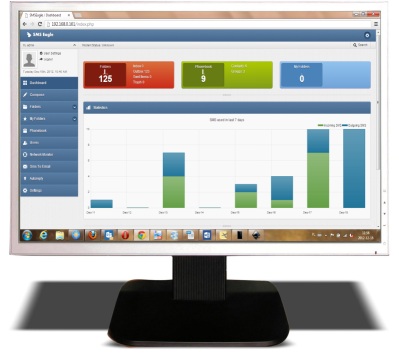
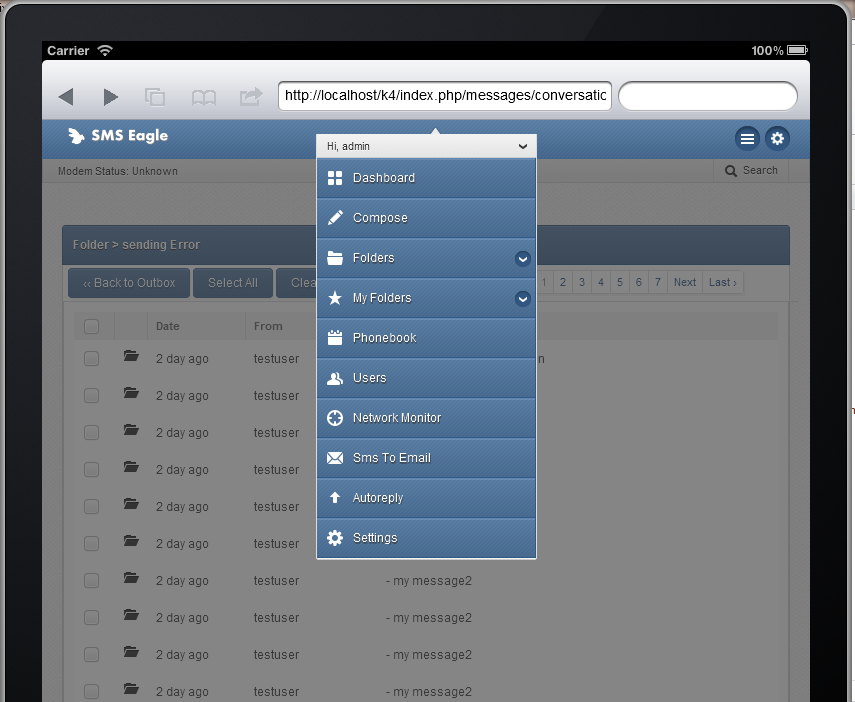
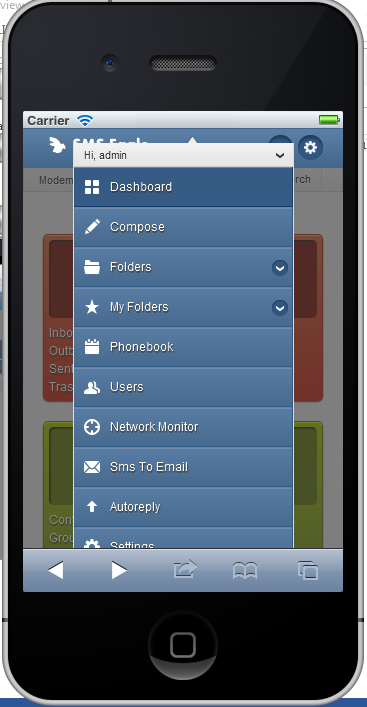
Open a web browser on your device, type in SMSEagle’s IP address (as set in previous chapter). At login screen type in your username/password. Default username and password is given in chapter Prepare for First Start.
Important Notice: The Web-GUI requires a modern web browser with JavaScript support. Older web browsers (like Internet Explorer) are not supported and may not work properly.
Basic operations include:
Sending & Receiving SMS (managing messages with Inbox, Outbox, Sent Items). Different message types (normal SMS, flash, WAP push, USSD codes)
Sending & Receiving MMS (web GUI & API)
Smartphone-like conversation mode (messages are nicely grouped by phone number). You can easily track history of what you send and receive
Sending to single numbers, contacts or groups from phonebook
Import messages for sending from CSV file
SMS Scheduling by specified date and time or delay
SMS sending within specified time window (between selected hours)
Message templates (save & edit your own templates)
Unicode support (support of national characters)
Multiuser support (each user has access to a private Inbox, Outbox, Sent Items)