

Multimodem features
SMSEagle NXS-9750 is equipped with two built-in modems. You can manage modem settings in web-GUI menu Settings > Maintenance Tab. There are following options available for multimodem device:
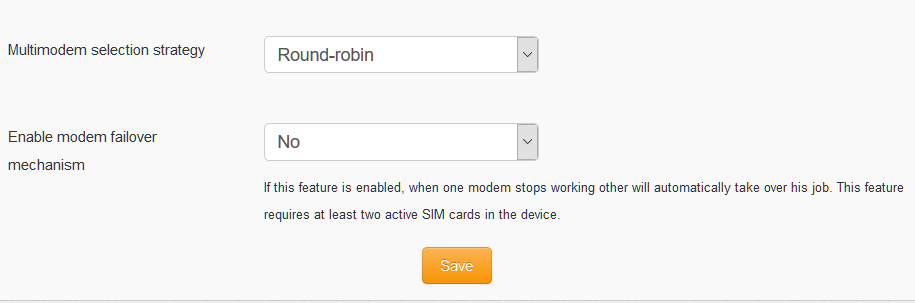
Multimodem selection strategy
This setting is responsible for modem choice strategy when sending SMS messages from SMSEagle. The following options are possible:
Round-robin
In this strategy modems are selected sequentially one-by-one when sending out SMS messages. This means that device sends messages using modem1 > modem2 > modem1 > modem2, etc.
SIM1 as Master modem
In this strategy modem1 is always selected when sending out SMS messages. If failover is enabled (see below) modem2 will be always used as a backup in failover strategy
SIM2 as Master modem
In this strategy modem2 is always selected when sending out SMS messages. If failover is enabled (see below) modem1 will be always used as a backup in failover strategy
Enable modem failover mechanism
If this setting is enabled, when one modem stops working other will automatically take over his job. This feature requires at least two active SIM cards in the device. The health check for each modem is performed with 3 minutes frequency. If during a health check a modem is not connected to network the other will automatically take over his jobs (including messages waiting in Outbox folder).