

Connectors, Ports and LEDs
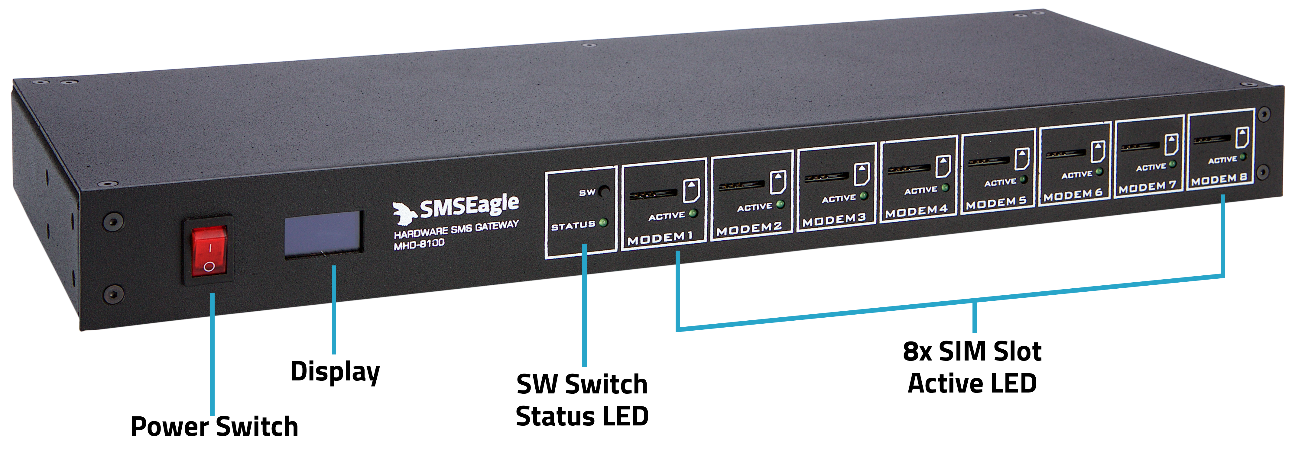
Front Panel
Back Panel
Element |
Label |
Description |
|---|---|---|
Power switch |
- |
Power switch to turn on/off the device |
Display |
- |
Display screen |
User Switch |
SW |
Switch to toggle information on the display, restore settings to factory defaults |
Status LED |
STATUS |
LED indicating device status |
SIM slot |
- |
8x SIM slot - mini size |
SIM Active LED |
ACTIVE |
8x LED indicator for modem status |
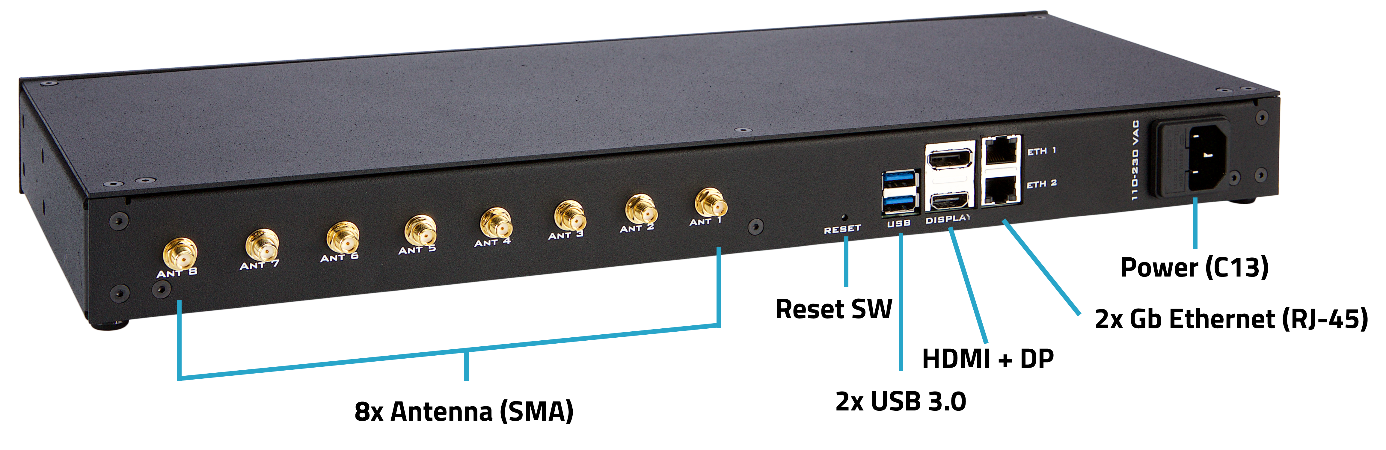
Antenna |
ANT1-8 |
Antenna socket (SMA) |
Reset |
RESET |
Switch for rebooting the device |
USB |
USB |
2x USB 3.0 port |
Display ports |
DISPLAY |
HDMI & Display Port (for debugging purposes only) |
Ethernet ports |
ETH1-2 |
Gigabit Ethernet RJ45 ports |
Power socket |
110-230VAC |
Power socket |
Display
MHD-8100 display has 5 screens with different information on each screen. Using SW switch, you can change screens of the display.
Screen |
Preview |
|---|---|
Screen 1: SMSEagle Logo |
|
Screen 2: System Usage |
|
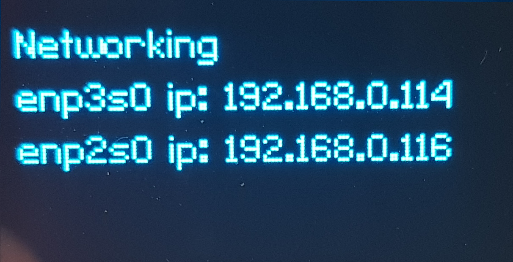
Screen 3: Networking IP list |
|
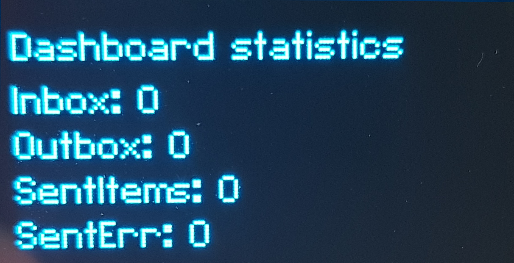
Screen 4: Dashboard Statistics list of messages in |
|
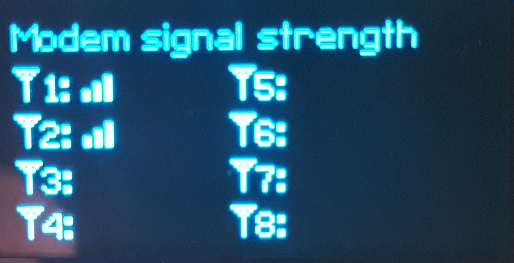
Screen 5: Modem signal strength list of all modems |
|
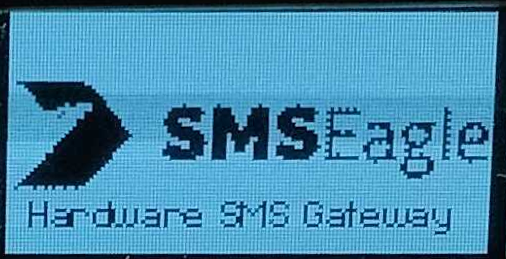
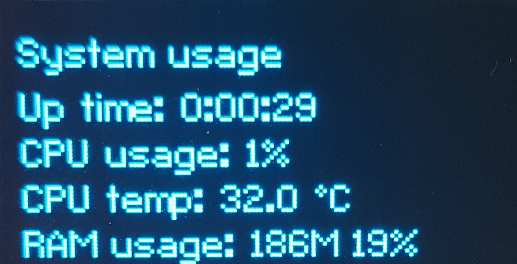
Automatic power saving: The display will automatically turn off after 5min of inactivity (SW button is not pressed for 5min). To restore the display’s work, simply press the SW button.