

API and Developer Integration
SMSEagle offers a powerful built-in REST API. The API is dedicated to integrating SMSEagle with any external system or application.
API Reference
SMSEagle offers two API versions:
API v2 - recommended, use it for every new integration. A modern RESTful API based on the OpenAPI 3.0 specification. API v2 Reference
API v1 - the legacy API, kept for backward compatibility only. A simple HTTP and JSON-RPC API. It still works and is still supported, but it gets no new features - do not write new integrations against it. API v1 Reference
Because of the extensive content of the API documentation, it is maintained as a separate document. Follow the links above for the full specification of each API.
API keys
An integration authenticates with an API key instead of a user password. Keys are kept separately for each API version, on two pages:
Settings > API > API v2 (
/settings/api/v2)Settings > API > API v1 (
/settings/api/v1)
A key always belongs to a user and acts as that user, so it sees that user’s messages and contacts. Permissions are granted per key, which lets you limit a monitoring system to reading while a website form may only send.
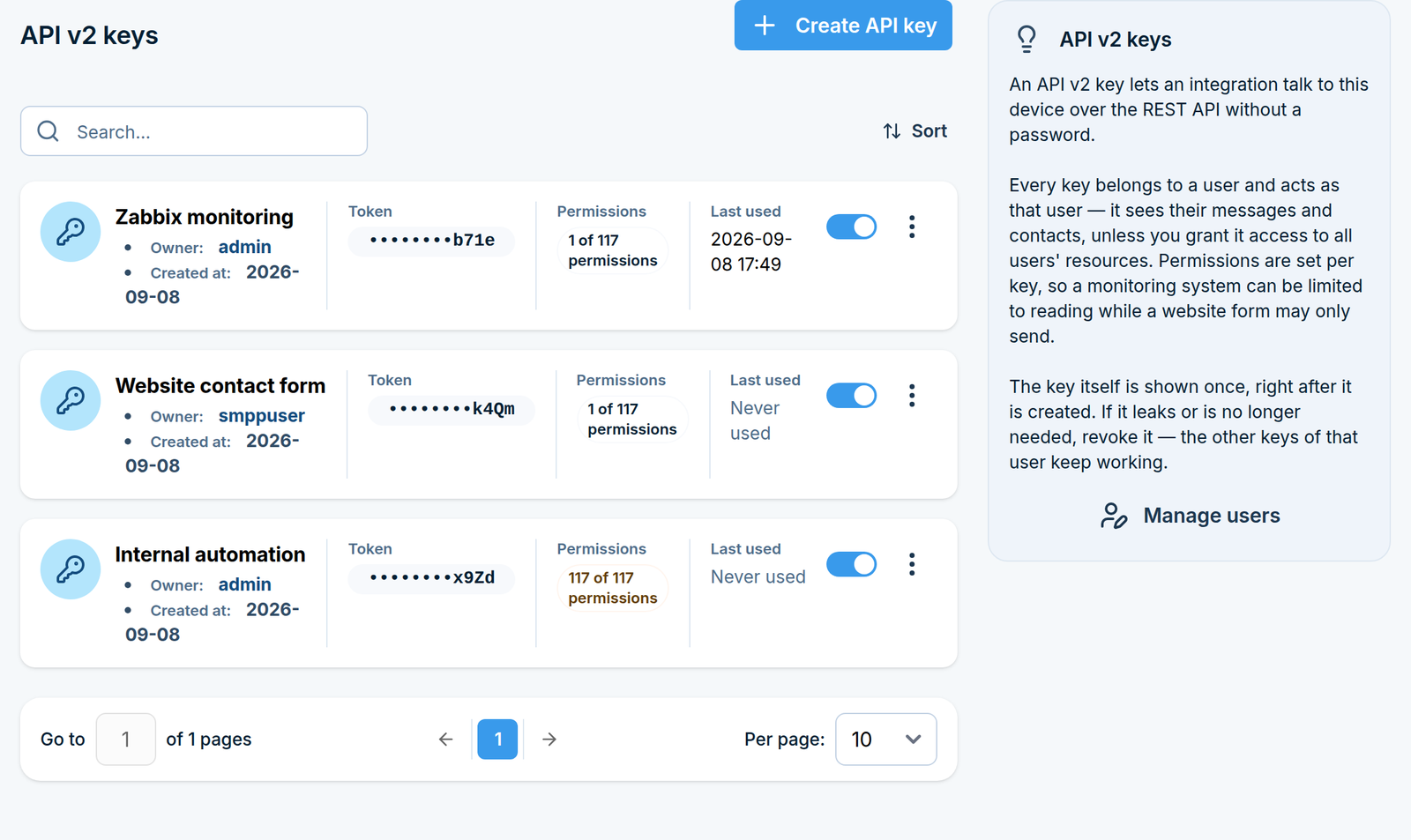
API v2 keys
This is the page to use for a new integration.
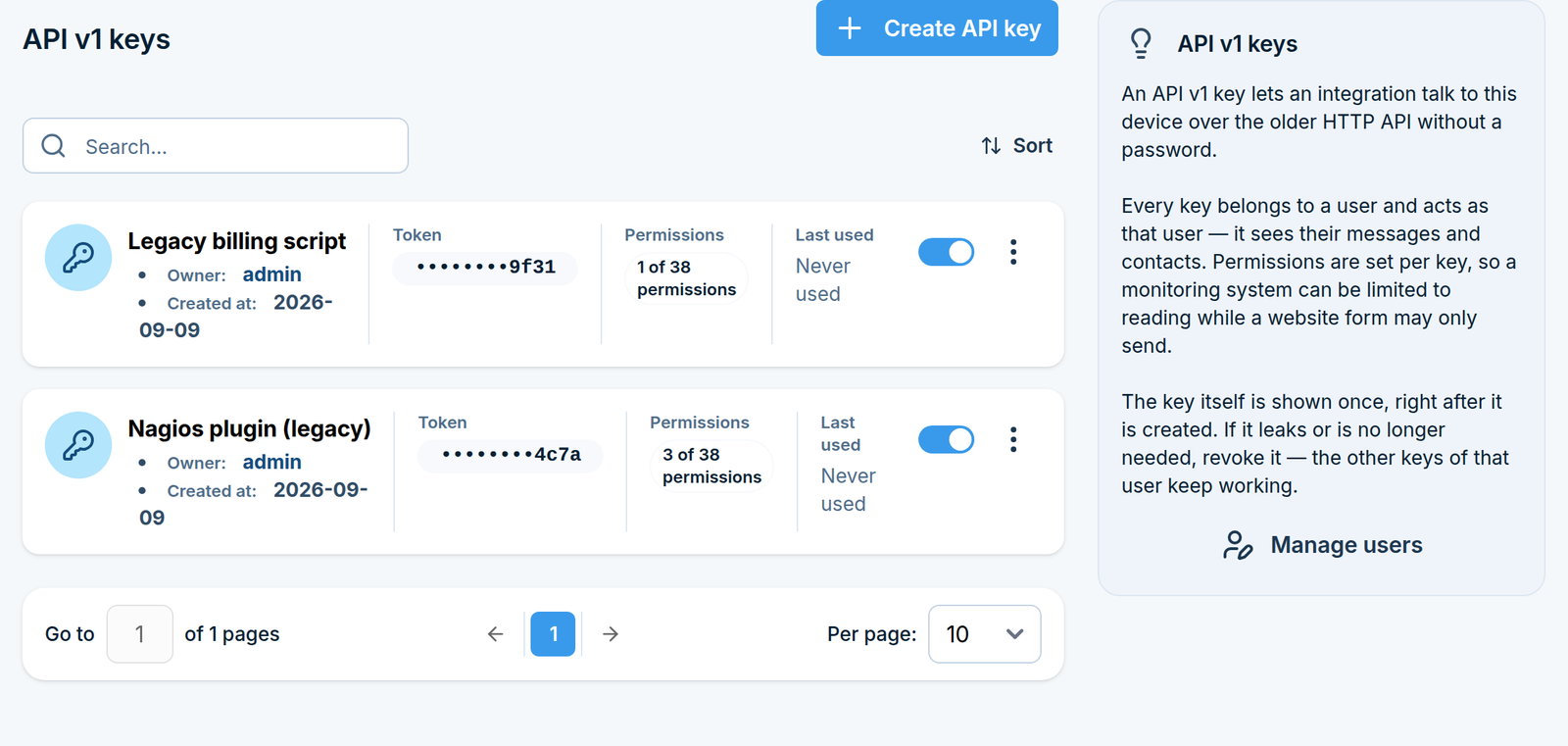
API v1 keys
API v1 is the legacy API. Create a v1 key only for an existing integration that cannot be moved to v2 - for anything new, create an API v2 key instead.
Creating a key
Create API key opens the form for the API version whose page you are on:
Field |
What it does |
|---|---|
Key name |
How you will recognise this integration later, for example Zabbix or Website form. |
Owner |
The user the key acts as. The key sees that user’s messages and contacts. |
Key enabled |
A disabled key is refused by the API without being deleted, which switches an integration off without losing its configuration. |
Access to all users’ resources |
API v2 only. Lets the key read and change resources owned by other users (see below). |
Permissions |
Only the methods you switch on can be called with this key. |
The key itself is shown once, right after it is created. Copy it then and store it somewhere safe. If you lose it, revoke that key and create a new one - the other keys of the same user keep working.
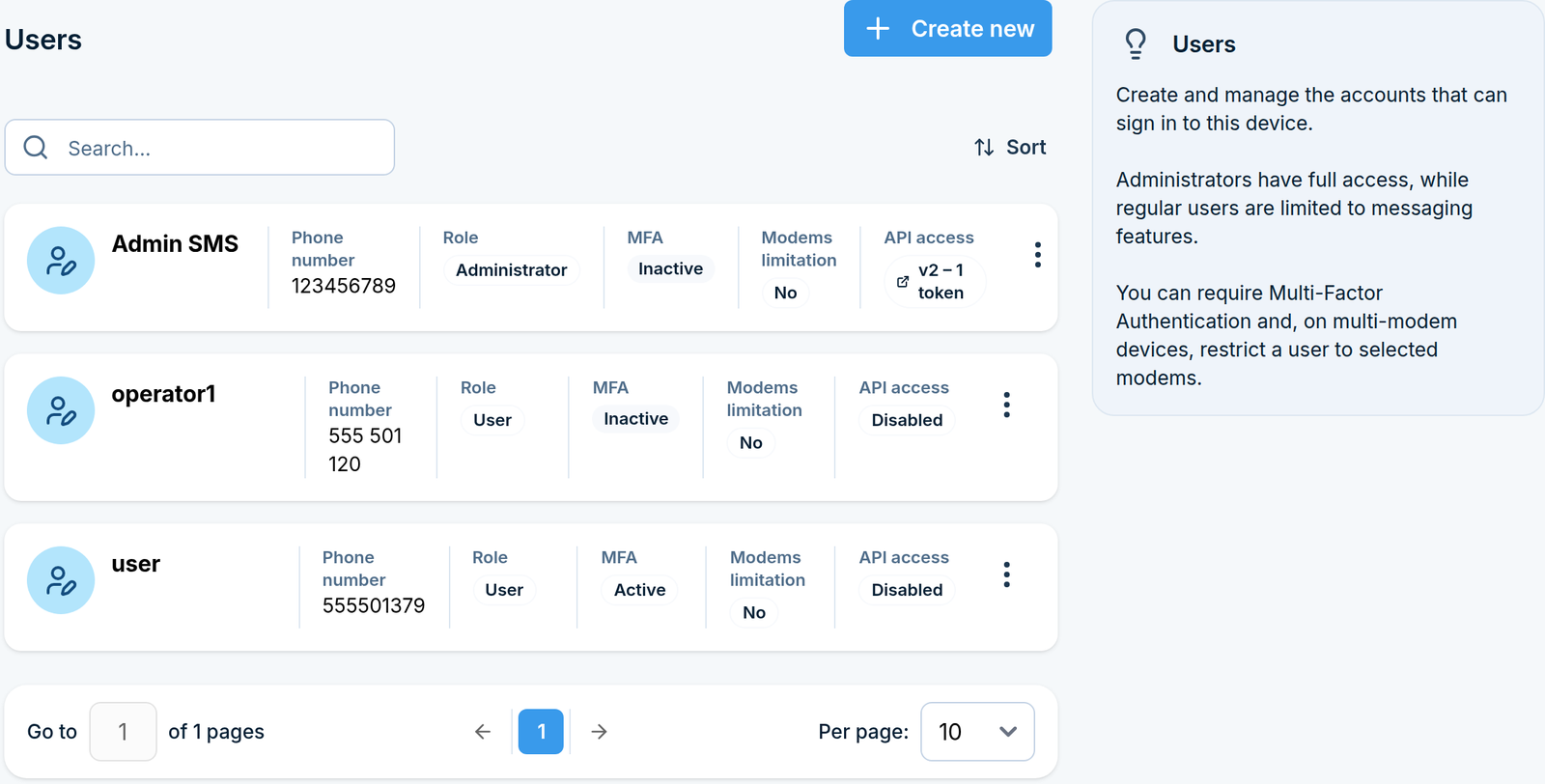
Which users have API access
System > Users shows, per user, how many API keys the user has and for which API version. The badge links straight to the matching keys page.
Access to resources of other users
The two API versions differ in how broadly an API key can see other users’ data:
In API v1, a key has access by default to resources of every other user - phonebook contacts, groups, and so on.
In API v2, access is more granular: a key has access by default only to resources it created itself. To allow access to resources of all other users, enable Access to all users’ resources on the key.